![KTrack_Logo_RGB.png]](https://support.ktrack.com/hs-fs/hubfs/KTrack_Logo_RGB.png?height=40&name=KTrack_Logo_RGB.png)
Things To Consider:
- User Permissions
Steps:
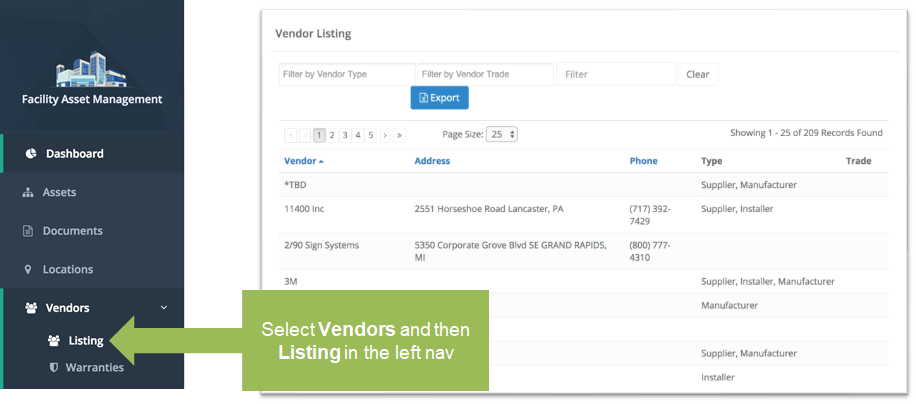
- Click 'Vendors' and then 'Listing' from the left navigation panel to display a list of vendors.
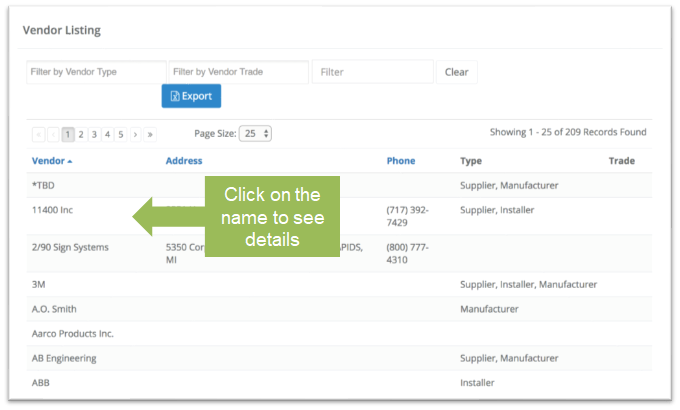
- Click on the name of the vendor that you wish to view in more detail.
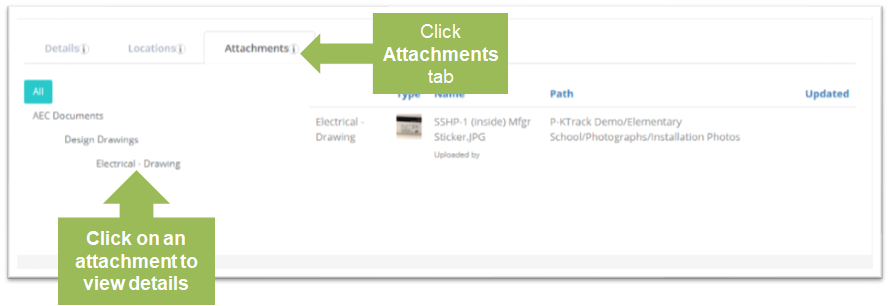
- Click on the 'Attachments' tab to view all attachments associated with this vendor. Click on an attachment to see its details.